How To Set Up a Home Office in 10 Detailed Steps

Working from home is no longer temporary for many people. Whether you are fully remote, hybrid, freelancing, or building a business, your home office directly affects your focus, productivity, posture, and even your mood.
A well-designed home office does not require a large spare room. It requires intention. Below is a practical, detailed guide to setting up a home office in 10 clear steps that balance comfort, efficiency, and style.
1. Choose the Right Location (Function First, Not Aesthetics)
The most important decision is where your workspace will live.
If you have a spare room, that is ideal. But if you do not, a corner of your bedroom, living room, hallway nook, or even under the stairs can work well.
When choosing your space, consider:
- Noise level (TV, kitchen activity, street noise)
- Foot traffic from family members
- Natural light direction
- Access to outlets
- Privacy for calls or meetings
Try to avoid working from your bed or sofa long term. It may feel comfortable at first, but it blends your rest space with your work space and can reduce focus.
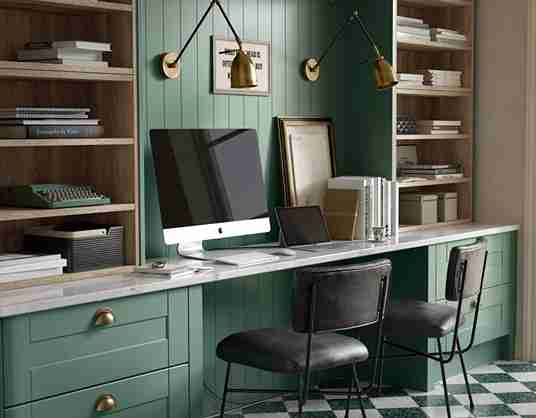
Pro Tip: If your home is small, use a visual divider like a bookshelf, curtain, or folding screen to separate your work zone from your living zone.
2. Define Your Work Requirements Before Buying Anything
Before purchasing a desk or chair, think about your daily workflow.
Ask yourself:
- Do you use one screen or multiple monitors?
- Do you need space for paperwork?
- Do you attend video meetings daily?
- Do you use drawing tablets or creative tools?
- Do you need printer access?
Your answers determine the size of your desk, storage needs, lighting, and even background setup for video calls.
Buying furniture without knowing your workflow often leads to clutter and regret.
3. Choose the Right Desk (Size and Function Matter)
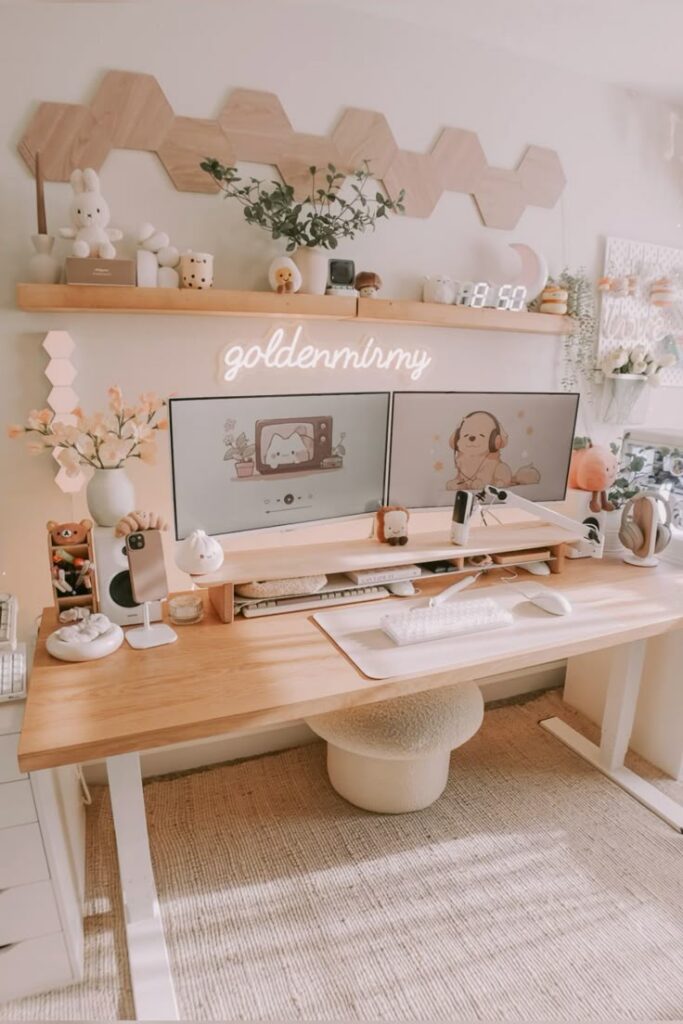
Your desk is the foundation of your setup.
When choosing a desk, focus on:
- Width: Enough space for your laptop/monitor plus writing space
- Depth: At least 24 inches deep is ideal for a comfortable screen distance
- Stability: Avoid wobbly desks
- Legroom: Make sure you can sit comfortably without hitting drawers
If space is limited, consider:
- Wall-mounted desks
- Fold-down desks
- Corner desks
- Slim console-style desks
If you work long hours, a sit-stand desk can help reduce fatigue and improve circulation.
4. Invest in an Ergonomic Chair (Your Back Will Thank You)
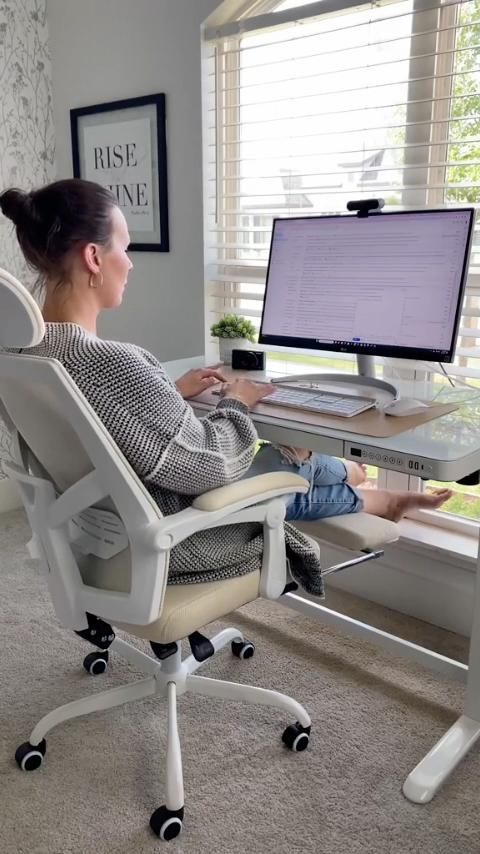
This is the one area where cutting corners is risky.
Look for:
- Adjustable height
- Lumbar support
- Breathable material
- Comfortable seat cushion
- Adjustable armrests (if possible)
If you cannot upgrade immediately, improve your current chair by:
- Adding a lumbar pillow
- Using a seat cushion
- Adjusting your desk height to match your chair
You should be able to sit with:
- Feet flat on the floor
- Knees at a 90-degree angle
- Back supported
Comfort directly impacts productivity.
5. Set Up Proper Lighting (Layer It Correctly)
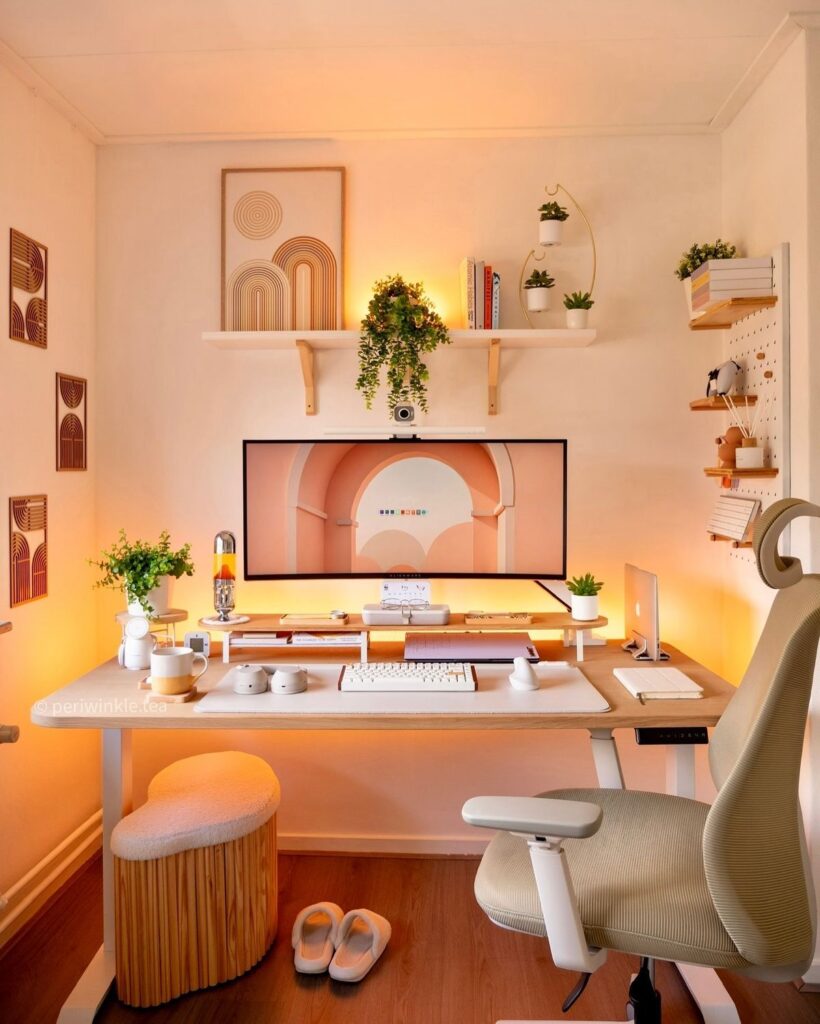
Lighting affects eye strain, energy levels, and video call quality.
There are three types of lighting to think about:
1. Natural Light
Place your desk near a window whenever possible so you can benefit from daylight. Natural light helps reduce eye strain and keeps the space feeling open and energizing. Avoid sitting directly in front of the window, though. Strong glare hitting your screen can make it hard to see and cause fatigue. Side lighting from a window is usually the most comfortable setup.
2. Task Lighting
Add a dedicated desk lamp for focused work. This is especially important for reading, writing, or working late in the day. Choose a bright, neutral white light that keeps you alert without feeling harsh. Position the lamp so it lights your workspace evenly without casting shadows from your hand or monitor.
3. Ambient Lighting
Use overhead lighting or a floor lamp to balance the room. Ambient light prevents harsh contrasts between your screen and the surrounding space, which reduces eye strain and makes the area feel more comfortable overall. A well lit room always feels calmer and more intentional.
If you attend video calls, pay attention to light direction. Make sure the main light source faces you rather than sitting behind you. Backlighting causes your face to appear dark on camera, while front facing light helps you look clear and professional.
6. Optimize Screen Height and Keyboard Position
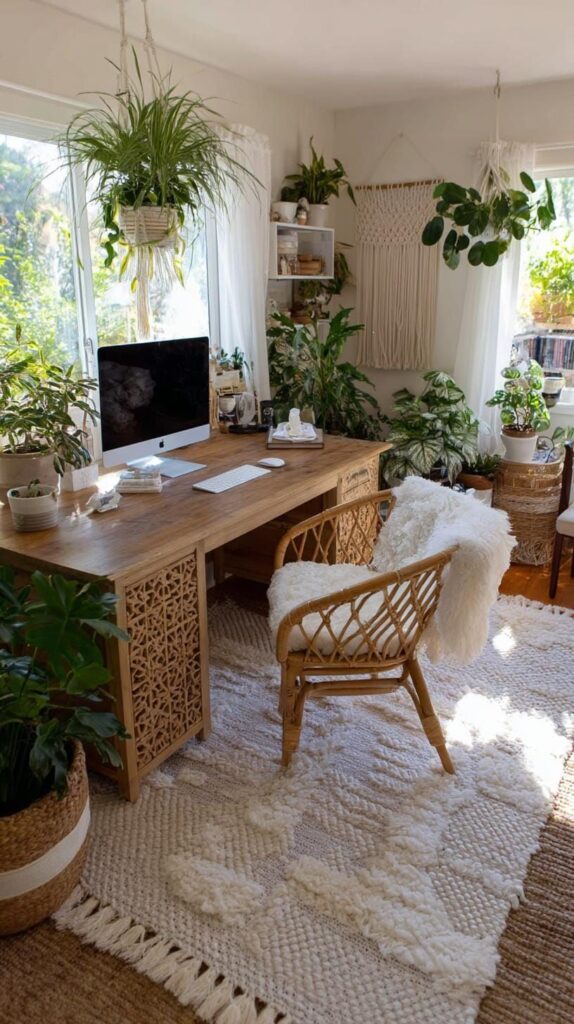
Poor posture leads to neck pain, shoulder tension, and fatigue.
Your monitor should be:
- At eye level (top of screen roughly aligned with your eyes)
- About an arm’s length away
If you use a laptop:
- Use a laptop stand
- Add an external keyboard and mouse
Your wrists should remain neutral while typing, not bent upward or downward.
Even small adjustments here can dramatically improve comfort.
7. Organize Cables and Technology
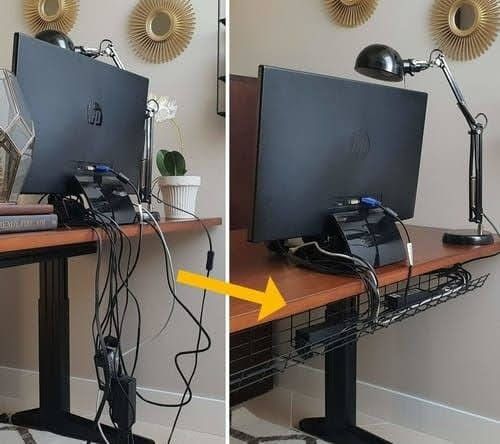
Nothing ruins a clean office look faster than messy cables.
To manage cables:
- Use cable clips under your desk
- Add a cable management box
- Use Velcro ties
- Mount a power strip underneath your desk
Keep chargers and adapters organized but accessible.
If possible, designate one area for all tech accessories to avoid spreading them across the desk.
8. Add Smart Storage Solutions
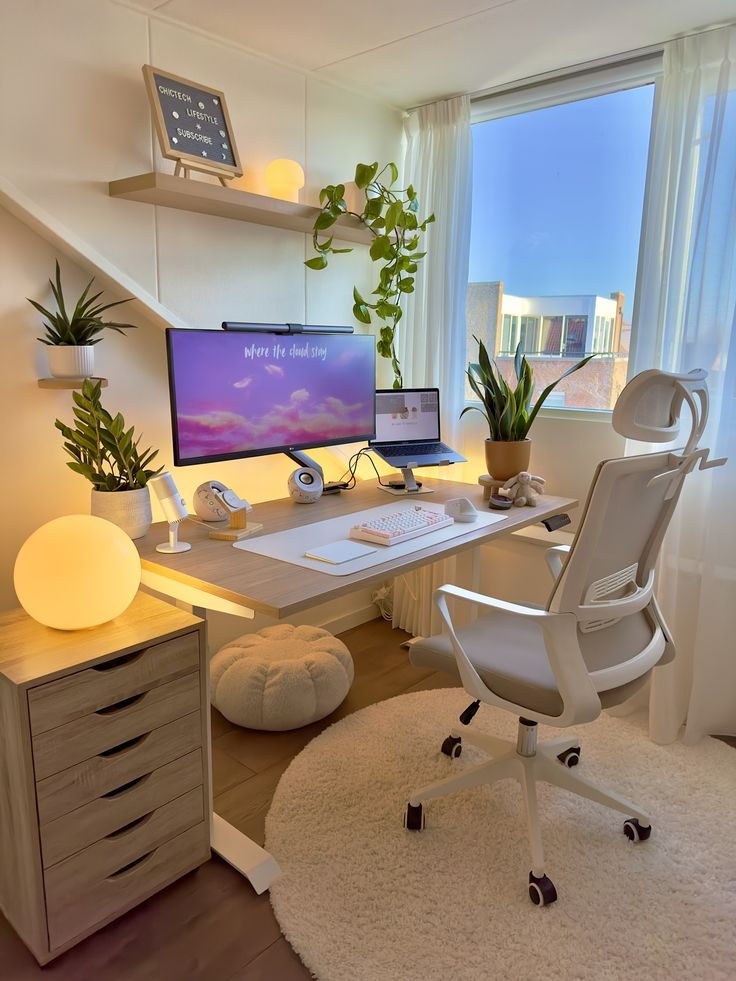
A productive office is organized, not overcrowded.
Storage options include:
- Drawer organizers
- Vertical file holders
- Floating shelves
- Storage boxes
- Rolling carts
Keep frequently used items within reach. Store rarely used items out of sight.
The goal is visual calm. Too many items on your desk increase mental clutter.
9. Control Noise and Distractions
Working from home comes with distractions.
To improve focus:
- Use noise-canceling headphones
- Add a soft rug or curtains to absorb sound
- Close doors during work hours
- Set clear boundaries with household members
If your workspace is in a shared area, establish visual cues like:
- Wearing headphones means “do not disturb.”
- Closing a laptop means work is finished
Structure creates productivity.
10. Personalize Your Space (Without Overloading It)
Finally, make your office feel like yours.
Add:
- One or two framed prints
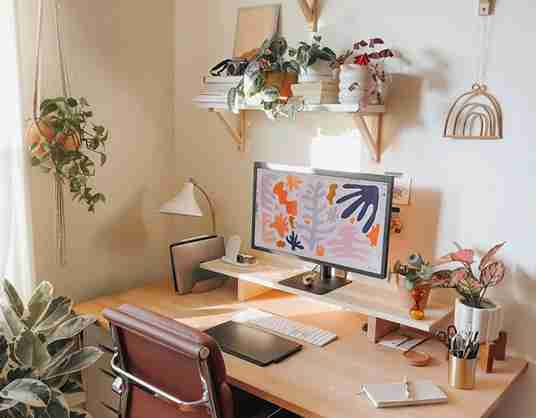
- A small plant
- A pinboard or whiteboard
- A motivational quote
- A soft rug or throw
- A cohesive color palette
Keep decor intentional and minimal.
A few personal touches improve mood and motivation. Too many create a distraction.
Bonus: Quick Home Office Setup Checklist
If you want a fast upgrade, focus on these five essentials first:
- Comfortable chair
- Proper desk height
- Eye-level screen
- Good lighting
- Clear desk surface
Once those are correct, productivity naturally improves.
Final Thoughts
Setting up a home office is not about copying a Pinterest photo. It is about creating a space that supports how you actually work.
Start with location.
Build around ergonomics.
Organize intentionally.
Then add personality.
When your workspace is functional and comfortable, working from home becomes easier, more focused, and far more enjoyable.
If you want, tell me:
- How much space do you have
- What kind of work do you do
- Your budget range
I can help you design a layout that fits your situation perfectly.