How to Arrange Living Room Furniture with a TV: Optimal Placement and Layout Tips

Arranging a living room around a TV sounds simple until you actually start moving furniture. I have rearranged my own space more times than I can count, and each time I learned something new about balance, comfort, and flow. The goal is not just to make everything fit. It is to make the room function well for daily life, movie nights, conversations, and quiet evenings.
When the layout works, the room feels calm and intentional. When it does not, even the most beautiful furniture can feel awkward. Here is exactly how I approach arranging living room furniture with a TV, focusing on comfort, proportion, and practical design decisions that actually improve the way the space works.
Start With the TV Placement
The TV is usually the largest visual element in the room, so I always start there. Its placement determines everything else.
The most important rule I follow is placing the center of the TV screen at eye level when seated. This prevents neck strain and makes long viewing sessions comfortable. To find the right height, I sit on my sofa and measure from the floor to my eye level. Then I align the center of the screen with that measurement.
If mounting the TV on the wall, I measure carefully before drilling. If using a media console, I make sure the console height supports proper alignment. Many people mount TVs too high, especially above fireplaces. While that may look dramatic, it often creates discomfort during regular viewing.
I also consider glare. I avoid placing the TV directly opposite large windows unless I have good light control. Natural light is great, but reflections on the screen can ruin the experience. If the layout forces the TV near a window, I use curtains or blinds to manage brightness.
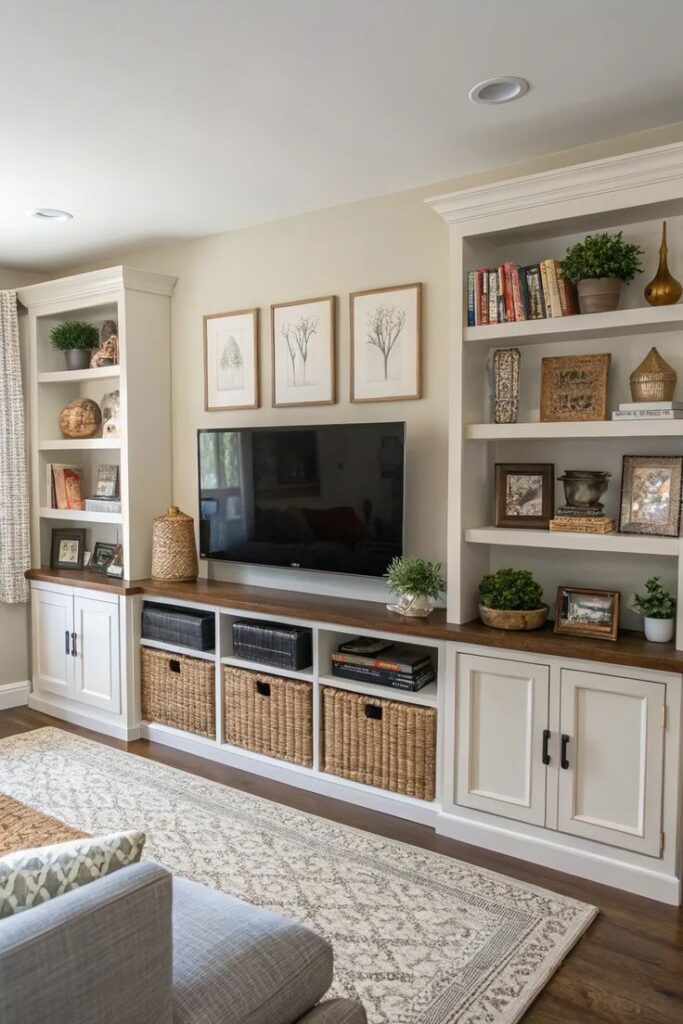
Finally, I make sure the TV feels visually anchored. A screen floating alone on a large wall can look disconnected. Adding a media console, built-in shelving, or even artwork around it helps integrate it into the overall design.
Choose the Right Media Console
A media console is not just decorative. It supports weight, hides clutter, and anchors the TV visually.
When choosing one, I focus on width first. I prefer a console that is at least a few inches wider than the TV on both sides. This creates visual balance and prevents the setup from feeling top heavy.
Next, I look at storage. I need space for streaming devices, gaming consoles, speakers, and cables. Consoles with a mix of open shelves and closed cabinets work best. Open shelves allow airflow for electronics. Closed cabinets hide items I do not want visible.
Cable management is another priority. Built-in cord cutouts or hidden channels make a big difference. Tangled cables can instantly make a room feel messy.
Material matters too. I choose durable materials like solid wood or metal frames for stability. If the room leans modern, I go for clean lines and simple finishes. In more traditional spaces, textured wood adds warmth.
The console should feel proportional to the room. In small spaces, a slim profile works best. In larger rooms, a low and wide unit helps ground the wall visually.
Determine the Ideal Viewing Distance
Once the TV is placed, I position seating based on screen size and comfort. Sitting too close feels overwhelming. Sitting too far reduces clarity and engagement.
As a general guide, I keep seating about 1.5 to 2.5 times the diagonal size of the screen away from the TV. For example, with a 55-inch TV, a distance of around 7 to 11 feet works well.
I test the distance by sitting down and watching something with detailed visuals. If I feel like I am scanning the screen constantly, I am too close. If I struggle to see details, I am too far.
The right distance should allow relaxed viewing without eye strain. This single adjustment dramatically improves comfort.
Arrange Primary Seating to Face the TV
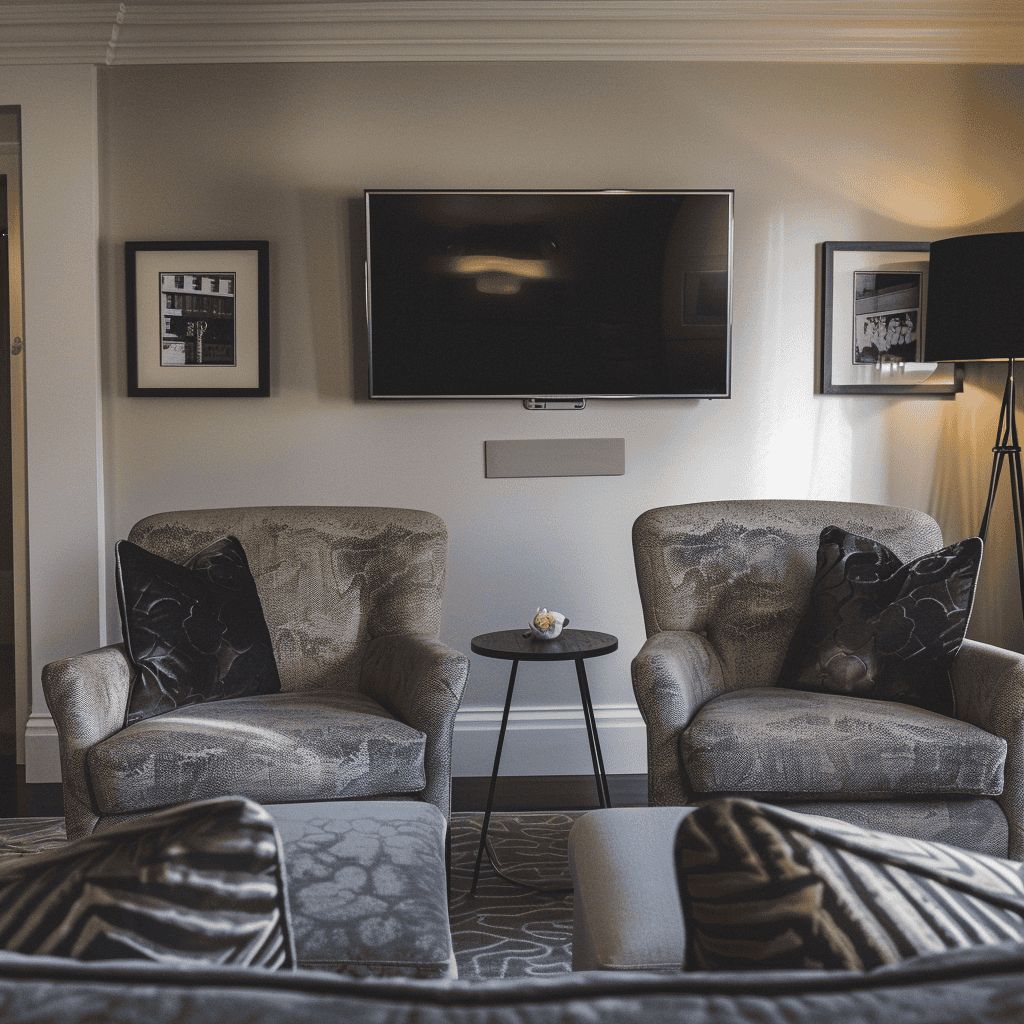
The main sofa or sectional should directly face the TV whenever possible. Clear sightlines are essential.
I avoid placing the primary sofa at sharp angles unless the room layout forces it. Angled seating can work in open concept spaces, but direct alignment is usually best for viewing comfort.
If using a sectional, I orient the longer side toward the TV. The shorter chaise can extend outward without blocking the view.
I also ensure that no one’s view is obstructed. Tall lamps, decorative objects, or high-backed chairs should not block the screen. Every seat should have a comfortable and unobstructed viewing angle.
In narrow rooms, I sometimes float the sofa slightly away from the wall instead of pushing it back. This allows better alignment with the TV and creates a more balanced layout.
Balance TV Viewing With Conversation
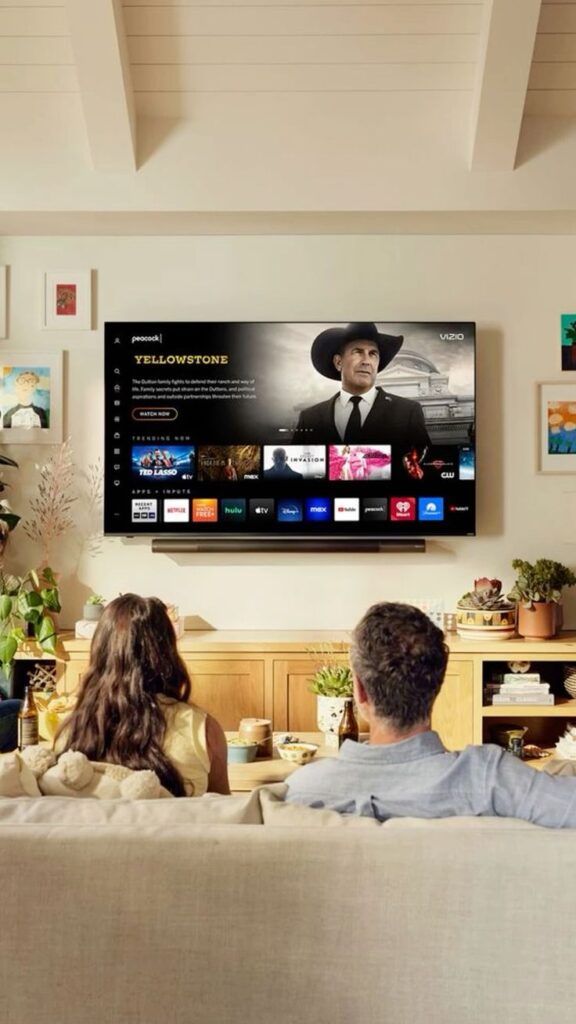
A living room should not feel like a theater unless that is the specific goal. I always balance TV viewing with social interaction.
To do this, I incorporate accent chairs or secondary seating angled slightly inward. This allows guests to face both the TV and each other.
A coffee table in the center anchors the seating group and encourages conversation. The distance between seats should be close enough for easy conversation but not cramped.
In larger spaces, I sometimes create a separate conversation zone. For example, two chairs near a window with a side table form a smaller area for quiet talks. The TV area remains functional without dominating the entire room.
This layered approach keeps the space versatile.
Maintain Clear Traffic Flow
Comfort is not just about seating. It is also about movement.
I make sure there is at least 30 to 36 inches of walking space in main pathways. No one should have to squeeze between furniture pieces.
I avoid placing furniture directly in front of doorways or blocking natural walkways. If the room connects to a hallway or kitchen, those paths must remain open.
In smaller rooms, I choose compact coffee tables or nesting tables to preserve circulation space.
Good flow makes the room feel larger and more functional, regardless of square footage.
Use Rugs to Define the Layout
Area rugs help visually organize the furniture arrangement.
I place the front legs of sofas and chairs on the rug whenever possible. This connects the pieces into a cohesive seating area.
The rug size should match the scale of the room. A rug that is too small can make the furniture feel disconnected. In larger rooms, a generous rug helps anchor the TV zone.
Rugs also soften acoustics, which improves sound quality when watching TV. Hard floors can create echo, so textiles add both visual and practical benefits.
Layout Tips for Small Living Rooms
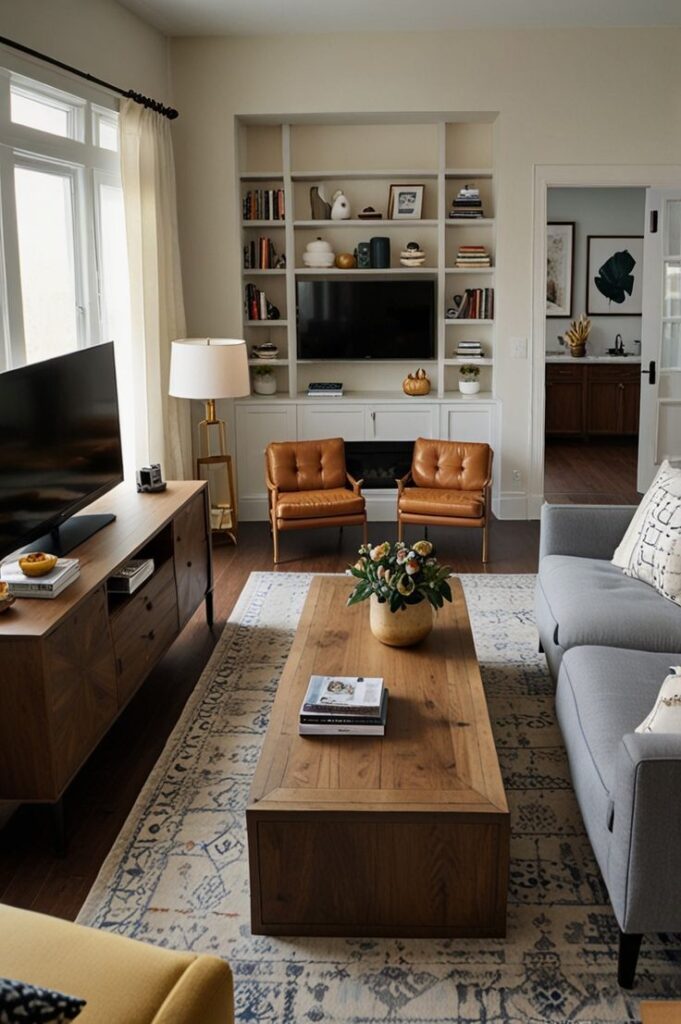
Small spaces require careful planning.
I choose furniture with exposed legs to create visual openness. Bulky, skirted pieces can make the room feel heavier.
Wall-mounting the TV frees up floor space and allows for a slimmer console. Floating shelves can replace bulky storage units.
I keep the color palette consistent to avoid visual clutter. Fewer contrasting elements make the space feel calmer and more spacious.
Multifunctional furniture is helpful. Storage ottomans, nesting tables, and slim consoles maximize usability without overcrowding the room.
Most importantly, I avoid overcrowding. A few well-chosen pieces work better than too many items squeezed into a small footprint.
Layout Tips for Large Living Rooms
Large rooms require structure to avoid feeling empty.
I divide the space into zones. The TV area becomes one defined section, anchored by a large rug and seating group.
If the room allows, I create additional zones like a reading corner or desk area. This prevents furniture from being pushed against the walls and leaving an empty center.
Floating furniture inward creates intimacy. Even in large rooms, seating should feel connected rather than scattered.
Proportion matters. A small console under a large TV in a big room can look undersized. Matching scale ensures visual balance.
Consider Acoustics and Lighting
Sound and light affect the TV experience more than most people realize.
I avoid placing speakers inside closed cabinets, as this can muffle sound. If using a soundbar, I position it directly below the TV for clarity.
For lighting, I prefer layered sources. Overhead lights alone can create glare. Floor lamps and table lamps provide softer illumination.
Dimmers are ideal. They allow adjustment depending on whether the room is being used for watching TV or hosting guests.
I also consider blackout curtains if glare becomes a recurring issue during daytime viewing.
Keep Proportion and Scale in Mind
Every piece should relate to the size of the room and the TV.
A very large TV in a tiny room can feel overwhelming. A very small TV in a large room can feel disconnected.
Furniture scale should match ceiling height and wall width. Oversized sectionals work in spacious layouts. Compact sofas suit smaller rooms.
When everything feels proportional, the room looks intentional instead of improvised.
Final Thoughts
Arranging living room furniture with a TV is about more than fitting pieces into a space. It is about comfort, balance, and usability.
By placing the TV at eye level, selecting a sturdy and proportional media console, positioning seating at the correct distance, maintaining clear traffic flow, and balancing viewing with conversation, the entire room becomes more functional.
I have learned that thoughtful layout decisions eliminate frustration and improve daily living. When the arrangement works, the space feels comfortable, organized, and inviting without needing constant adjustments.
If you are rearranging your living room, focus on comfort first, then refine for style. The right placement transforms the way the room feels and functions every day.